
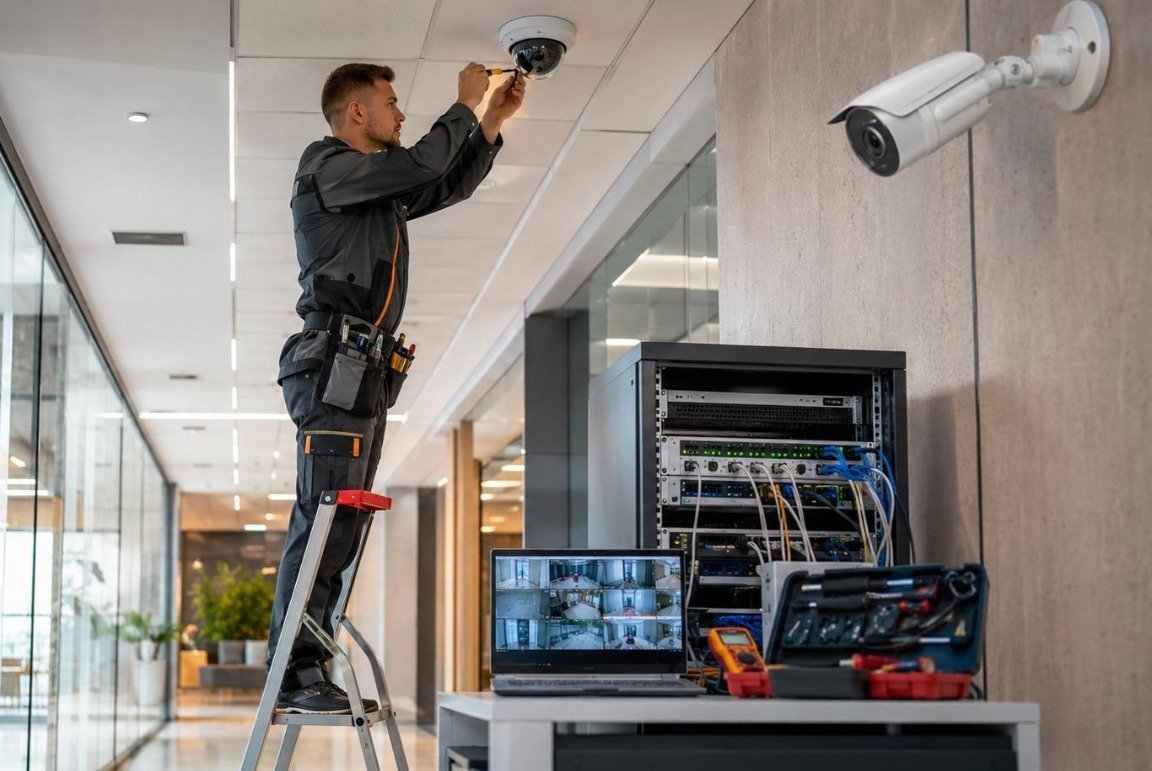
An IP camera sends video over a network connection. Power over Ethernet, usually shortened to PoE, allows compatible equipment to carry power and data through an Ethernet cable. That can simplify an installation, but it does not remove the need for a proper network plan.
The switch is part of the system
A PoE switch has both a number of ports and a power budget. A spare port is not a guarantee that enough power remains for another camera. The installer should check the equipment requirements together, including any higher demand from features such as infrared illumination.
Cables deserve attention
Cable type, cable length, terminations and the installation environment all affect reliability. Outdoor sections need appropriate protection. Cable routes should also remain accessible enough to diagnose a fault later. A neat route with clear labels can save considerable confusion during maintenance.
Resolution uses resources
Higher-resolution recording can require more bandwidth and storage. The useful question is whether the recorded view gives the detail you need at the chosen distance. Resolution alone does not compensate for a lens aimed too widely or a poorly lit entrance.
Separate access from convenience
Where appropriate, camera traffic can be separated from ordinary office devices. Access to a recorder should be intentional, with strong credentials and only the necessary users. Remote viewing should use a supported, secure connection method instead of opening network ports simply because it seems quick.
Ask for a small network map
You do not need an engineering drawing to understand your installation. A list of camera names, switch connections and recorder location makes future troubleshooting easier. Keep any credential information separately and securely.
An IP system is a collection of connected parts. Read about IP camera installation and discuss how those parts fit your premises.