
PRACTICAL SERVICE GUIDE · 12 MIN READ · DUBAI
CCTV repair starts with finding the cause
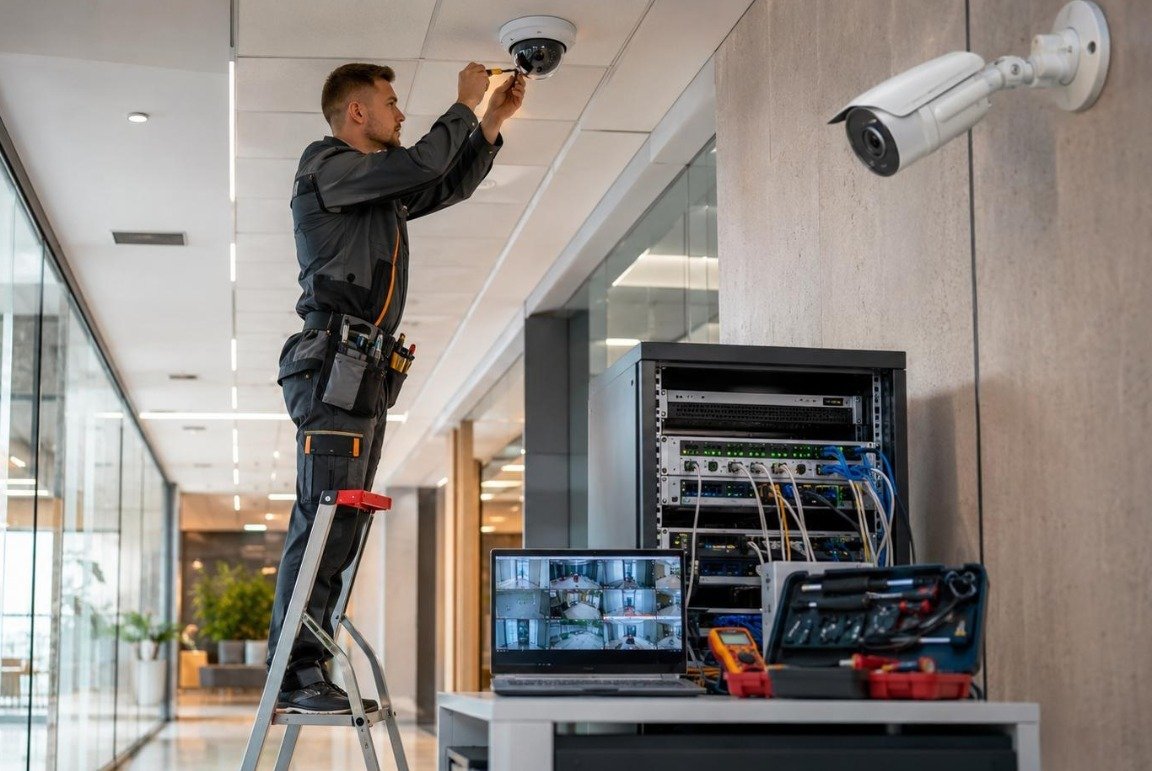
A black camera channel does not automatically mean the camera needs replacing. The fault could sit in its power supply, cable, network connection, recorder settings or account configuration. Replacing the most visible component without testing the path can leave the original problem unresolved. CCTV Installation UAE takes a methodical approach to CCTV repair for properties across Dubai.
Our repair assessment begins with the symptoms, the equipment and the history of the problem. We distinguish camera faults, recorder faults and connectivity issues before discussing suitable corrective work. The aim is to explain what has failed, which evidence supports that conclusion and what repair or replacement options make sense for your system.
Tell us whether the issue affects one channel or several, when it began and whether anything changed at the property. A router replacement, power interruption, new cable route or building work can provide important context. Even an approximate description helps direct the first checks. You do not need to identify the faulty component before asking for assistance.
Describe the symptom before changing settings
Write down what you can see. “Camera three is offline on the recorder” is more useful than “the CCTV is broken.” Note whether the same channel works in another viewing interface, whether other cameras remain available and whether recent playback exists. These distinctions help separate a display issue from a loss of camera communication or recording.
For intermittent faults, note the time and conditions. A picture that disappears after dark, during busy network use or after a scheduled restart may point toward different causes. Do not assume the pattern proves a particular fault, but preserve it as evidence. Photographs of error messages and equipment labels can help prepare the visit without requiring access credentials in the initial enquiry.
Explain what has already been tried. Repeated restarts, password changes or moving cables can alter the evidence and introduce additional problems. Knowing the sequence helps reconstruct the current condition. If the system is still partly operational, agree the next diagnostic step before interrupting working channels or changing settings used elsewhere in the building.
Protect existing footage during diagnosis
If a recent incident matters, identify the relevant camera and time immediately. Ask whether available recordings can be exported before any work that may affect storage or configuration. Repairing a system and recovering historical footage are different tasks. A successful repair cannot create footage that was never saved, and recovery of damaged or overwritten material cannot be promised.
Formatting a disk or restoring factory settings should never be treated as an unexplained first response to a fault warning. Such actions can remove information or create substantial reconfiguration work. The proposed diagnostic method should state its likely effect on recordings, accounts and settings. Where a disruptive action is necessary, discuss the consequences with the authorised customer first.
Keep sensitive clips and credentials under appropriate customer control. A technician may need authorised access to inspect settings or retrieve a test recording, but that does not require sending passwords publicly. Agree a suitable access method and establish who can approve changes. Clear authorisation supports faster work without leaving uncertainty over who controls the system afterward.
Diagnosing a camera that shows no image
Check the physical and electrical path
Begin by identifying the affected camera and how it receives power and communication. A PoE camera, an analogue camera with a separate supply and a camera connected directly to an NVR can require different checks. Verify the actual arrangement rather than applying instructions for another system. Equipment labels and a previous connection diagram can reduce unnecessary disturbance.
Visible damage, loose connectors and disturbed cabling can provide useful evidence. Connection testing should be appropriate to the installation and performed safely. A working indicator light is not a complete test of either data or power. Likewise, a blank image at one screen does not prove that the camera itself has stopped producing video.
Where suitable, controlled comparison tests help isolate a component. A known working connection or compatible test device can distinguish the camera from its cable or port. These tests need a planned sequence so the results remain meaningful. Changing several items simultaneously may restore a picture without establishing which fault caused the failure.
Confirm how the recorder reaches the camera
For an IP system, check the camera's address and the recorder's configured connection. A changed address or incorrect credentials can leave an otherwise functional camera offline. The device's network segment also matters: a camera behind an NVR's internal ports may not be directly reachable from the office network. Diagnose against the actual topology.
For supported analogue systems, the connection format and recorder channel settings must match the camera. A replacement camera should be assessed for compatibility before connection. The presence of a familiar-looking connector does not establish that every format or resolution will work. A repair proposal should identify the combination being restored and any feature limitations that remain.
Intermittent connectivity and repeated disconnections
Several cameras failing together often justify checking a shared connection, power source or recorder dependency. One camera repeatedly dropping may require attention nearer that device. The pattern guides the investigation, but tests establish the cause. Record which channels fail at the same time and whether the interruption appears in local playback as well as live viewing.
Network diagnostics can include switch status, relevant link behaviour, address conflicts and traffic on shared paths. Coordinate with the network owner when CCTV uses business infrastructure. An unplanned switch restart may affect staff computers or other building services. The repair process should respect those dependencies and explain any interruption required to test a suspected shared component.
Marginal connections can appear reliable during a short visit. Where the fault is intermittent, a longer observation period or a staged test may be needed. Be clear about whether the issue was reproduced, whether a likely cause was found and what follow-up evidence is required. A temporary return of the picture should not be described as proof of a permanent fix.
Power and PoE faults
Check the camera's specified power requirements against the installed supply or PoE equipment. Compatible connectors do not establish compatible voltage, power method or capacity. Where accessories or infrared illumination change demand, review the relevant operating conditions. A fault that appears after dark may justify power checks, but other image and configuration causes should also remain under consideration.
For PoE installations, assess the individual port and the switch's overall power allocation. Several added devices may change a previously stable system's demand. Cabling quality and termination condition can also influence operation. If a switch or injector is proposed for replacement, explain why the test points to it and confirm that the selected replacement suits the connected cameras.
Electrical work beyond the CCTV equipment scope should be handled by the appropriate qualified person. Customers should not open mains-powered equipment or improvise an alternative supply to test a camera. We can identify the relevant dependency and discuss the next responsible action. A safe, suitable repair matters more than obtaining a temporary image through an unsuitable connection.
Blurry, washed-out or unusable camera images
A poor picture can result from contamination, focus, camera movement, physical damage or difficult lighting. Start by comparing the current view with its intended purpose. Has the image always been weak, or did it change suddenly? Did a new light, reflective sign or nearby surface appear? These questions help distinguish a new fault from a design limitation that repair alone may not solve.
Inspect the optical surface using the manufacturer's recommended approach. A scratched cover and a dirty cover need different responses. Cleaning should avoid making physical damage worse. Axis's focus troubleshooting guidance identifies dirty or scratched dome surfaces as a potential image-quality problem and warns that excessive cleaning can damage the surface.
Check moving subjects in recorded footage. Adjustments that brighten a scene may not produce the required detail during movement. A night problem should be assessed using the relevant conditions or useful recorded examples. If the existing position cannot deliver the requested task, explain whether repositioning, lighting changes or a different camera is more appropriate than repairing sound equipment.
Recorder faults and warning messages
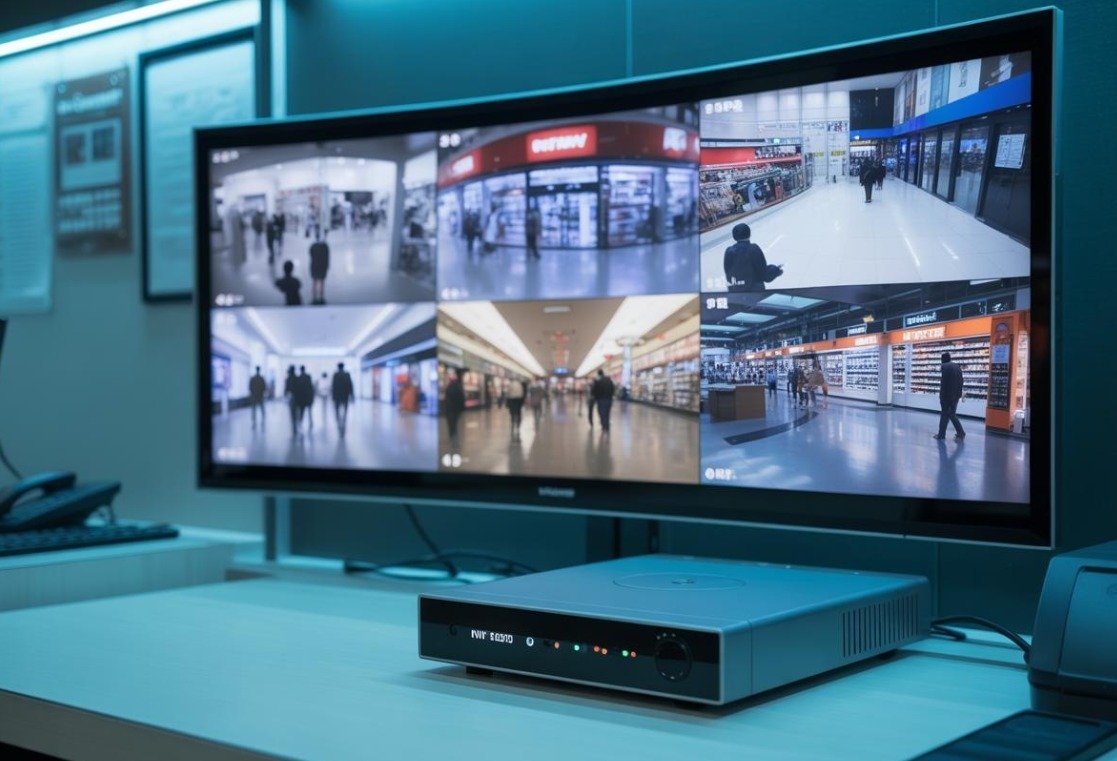
A recorder that beeps, restarts or fails to display should be assessed as a complete device with power, storage and connected-camera dependencies. Record the exact warning rather than silencing it immediately. Different alerts can indicate different conditions. Hikvision's recorder guidance gives disk-related conditions as examples behind a startup beep on the equipment it describes; other models and warnings need their own checks.
Separate display output from recorder operation. A monitor, cable or unsupported display setting can cause a blank screen while other recorder functions continue. Check available authorised interfaces before concluding that the recorder has completely failed. Conversely, an image on the monitor does not establish that disks are recording correctly or that all channels remain connected.
Repeated restarts deserve investigation of the circumstances and available logs. Note whether they coincide with power issues, storage activity, added cameras or other changes. Internal repair options depend on the device, its condition and available parts. Where manufacturer support is needed, an accurate model and fault record help avoid repeated basic checks and unsuitable replacement suggestions.
Missing recording and playback problems
Start with the requested camera, date and time range. Confirm that the search uses the expected time zone and channel name. Then check whether the recorder shows material for other periods or cameras. A mistaken filter can look like missing footage, while a genuine recording gap needs a different investigation. Avoid drawing conclusions from a single empty search result.
Review the recording schedule, storage status and any relevant event configuration. A camera can provide a live stream while its recorder channel is not scheduled to save it. A disk can be recognised without providing the expected recording history. Compare configuration with actual playback so the explanation rests on observed behaviour rather than one reassuring status indicator.
An issue in a phone application may differ from a local playback issue. Compare the same camera and time through supported authorised methods. If local footage plays but remote playback fails, investigate the remote path and account permissions. If footage is absent everywhere, focus on recording and retention. This distinction prevents unnecessary camera replacement for a problem elsewhere in the system.
Remote-viewing repair and account problems
Remote viewing depends on the local system, its access method, the internet service and the viewing device. A fault on any part can prevent a phone from connecting. Establish whether local live view and playback work first. Then check the supported remote configuration and the customer's authorised account, rather than changing several network settings without a defined hypothesis.
Recent phone replacements, app changes, router changes and user removals provide useful context. Some problems require account recovery or assistance from the equipment provider rather than hardware repair. Ownership checks and supported recovery methods matter. Resetting equipment without understanding the account relationship can make access more difficult and may disrupt working users.
For a system that needs a new supported viewing arrangement rather than a fault repair, see remote viewing setup. Where the main issue is addressing, switch capacity or camera-network organisation, our CCTV networking service covers those requirements in more detail.
Decide between repair, replacement and an upgrade
A repair recommendation should state the identified fault and the component or setting involved. Where parts are available and the equipment still suits the task, repair may be a sensible option. Where damage is extensive, support is limited or the component no longer meets the requirement, replacement may provide a clearer path. The choice should be explained in practical terms.
Consider the rest of the system before replacing one item. A newer camera may require a different recorder capability or additional network capacity. A replacement recorder must support the retained cameras and the required recording load. Avoid solving one failure by creating another limitation. The proposal should distinguish essential compatibility work from optional improvements.
Ask what remains unchanged after the repair. Restoring operation does not automatically improve an unsuitable viewing angle, extend storage history or add resilience. If those outcomes matter, define them as separate requirements. That makes costs and acceptance criteria easier to compare and prevents a repair from being mistaken for a complete system redesign.
Test the repair and explain the result
After corrective work, repeat the test that exposed the problem where practical. Verify the affected channel, its recorded footage and any relevant remote functions. If a shared component changed, check the other connected cameras as well. Record the action taken and the evidence that operation has returned, including any condition that still needs observation.
Show the authorised customer the result through the interface they normally use. Confirm useful channel names, correct time and a short playback or export test. Update the equipment record when a component or address changes. Remove temporary diagnostic access that is no longer required and agree how any continuing monitoring or follow-up will be handled.
Where the fault could not be reproduced, say so plainly. An assessment can still narrow the possibilities and define a sensible next test, but it should not overstate certainty. The customer needs to know whether the cause was confirmed, whether a likely issue was corrected or whether further evidence is required before selecting replacement equipment.
CCTV repair questions
Can you repair a system installed by someone else?
We can discuss an assessment after checking the equipment models, access arrangements and symptoms. Repair options depend on compatibility, condition, available parts and supported access. Existing records help, but missing paperwork does not identify the fault by itself. The first task is establishing the system's actual configuration and the checks that can be completed.
Should I restart the recorder before calling?
Record warnings and symptoms first. If important footage or an active fault is involved, discuss the situation before restarting or changing settings. A restart may temporarily alter the condition and remove useful diagnostic context. Any recommended restart should take account of recording interruption and other equipment connected to the same power or network path.
Can lost CCTV footage always be recovered?
No. Recovery depends on whether footage was recorded, whether it remains on storage and the nature of any damage or overwrite. Routine repair does not guarantee recovery. Identify the relevant dates promptly, avoid formatting or reinitialising storage, and explain the importance of the material before authorising actions that could change it.
Do you need my passwords in the first message?
No. Start with the location, symptoms and equipment models. Authorised access may be needed for diagnosis, but credentials should be handled through an agreed secure method. Do not include passwords in photographs of equipment labels or screenshots sent with a general enquiry.
Arrange a CCTV repair assessment in Dubai
Call CCTV Installation UAE on +971 55 724 2758, or contact us on WhatsApp. Describe the fault, affected cameras and any recent changes. Include the property type and any access restrictions so the proposed visit can account for occupied rooms, working hours and equipment locations. We can discuss a diagnostic visit and the practical options for restoring your camera, recorder or connection.